# View Toolbar
# Copy Views

Batch copy and create related views across multiple floors.
- Parameter Details
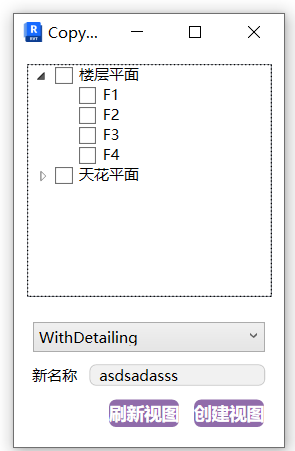
The window shows the plan views that exist in the project.
The options below correspond to the duplicate view options available in the project itself.
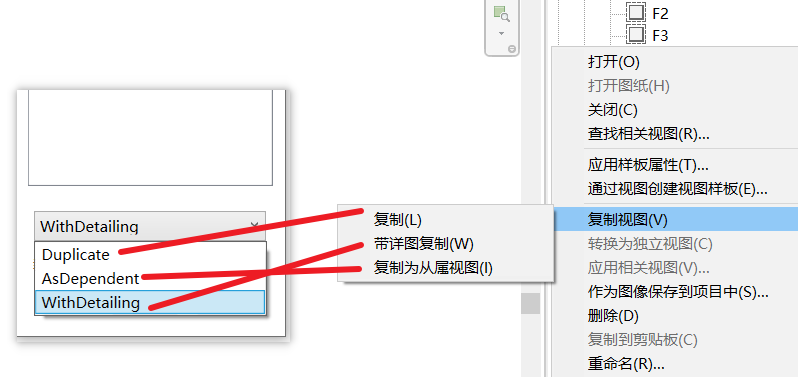
- New Name: The name of the duplicated view plan.
- Usage
Select the view plans to copy, set the copy conditions and name, then click Create Views.
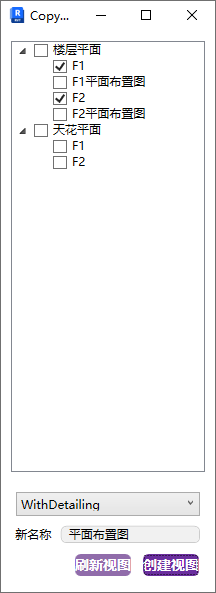
If you add or delete views in the project, click Refresh Views to update the list.
Watch tutorial video on Bilibili → Copy Views (opens new window)