# Lighting
# Place Light Strip

Pick model edge lines to place point lights. Generated models exist as groups for easy modification and deletion.
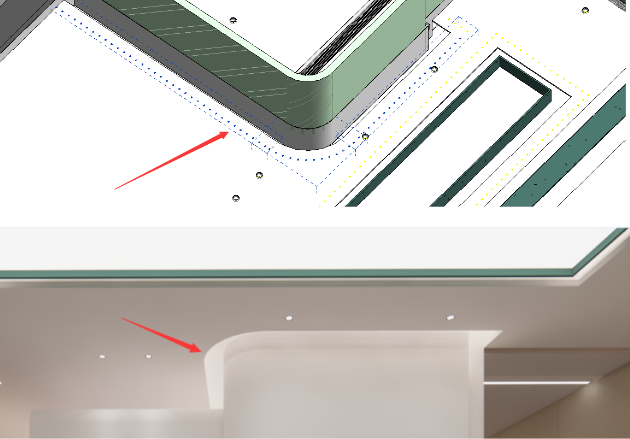
Light strips generated using point lights produce more realistic light source effects in rendering.
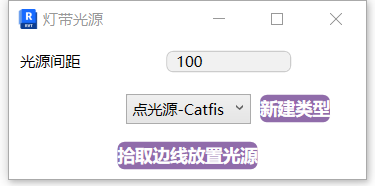
- Parameter Explanation
- Light Spacing: The spacing distance between generated light sources.
- Type: The default point light type is automatically loaded when the function starts. For multiple light source types, create new types directly.
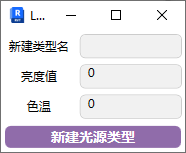
Set parameters and light source type, click "Pick Edge to Place Light Source," then pick the model edge where you want to place lights and click to generate.
If you can't see the generated light sources in the scene, enable light source visibility in View Visibility settings.
When placing, always consider the line-of-sight occlusion of the light source model to avoid clipping. If the model space is very small, adjust the light source model's symbol size.
Bilibili video demo → Place Light Strip (opens new window)