# Cleanup
# Clean Sections

Clean all temporary sections in the project, screening based on whether section views have dimensions and whether they've been placed on sheets.
Effectively cleans up temporary section views created during the modeling process.
# Clean Junk

Clean all unused items in the project, simplifying the "Purge Unused" function — one step to directly clean up.
Includes cleanup of unused materials.
Application:
- Perform cleanup when archiving completed projects.
- Also pay attention to cleanup in custom families to avoid introducing excessive junk into projects.
Bilibili video demo → Clean Sections, Clean Junk (opens new window)
# Delete Duplicates

Remove components at the same position.
Marquee-select the model area to clean duplicates. The window shows the number of deleted items.
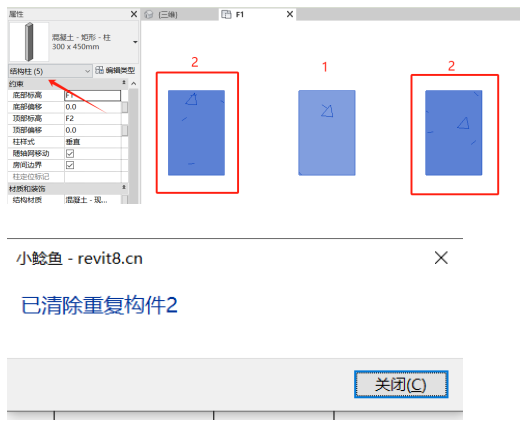
Currently primarily cleans point-placed families.
# Full Ungroup
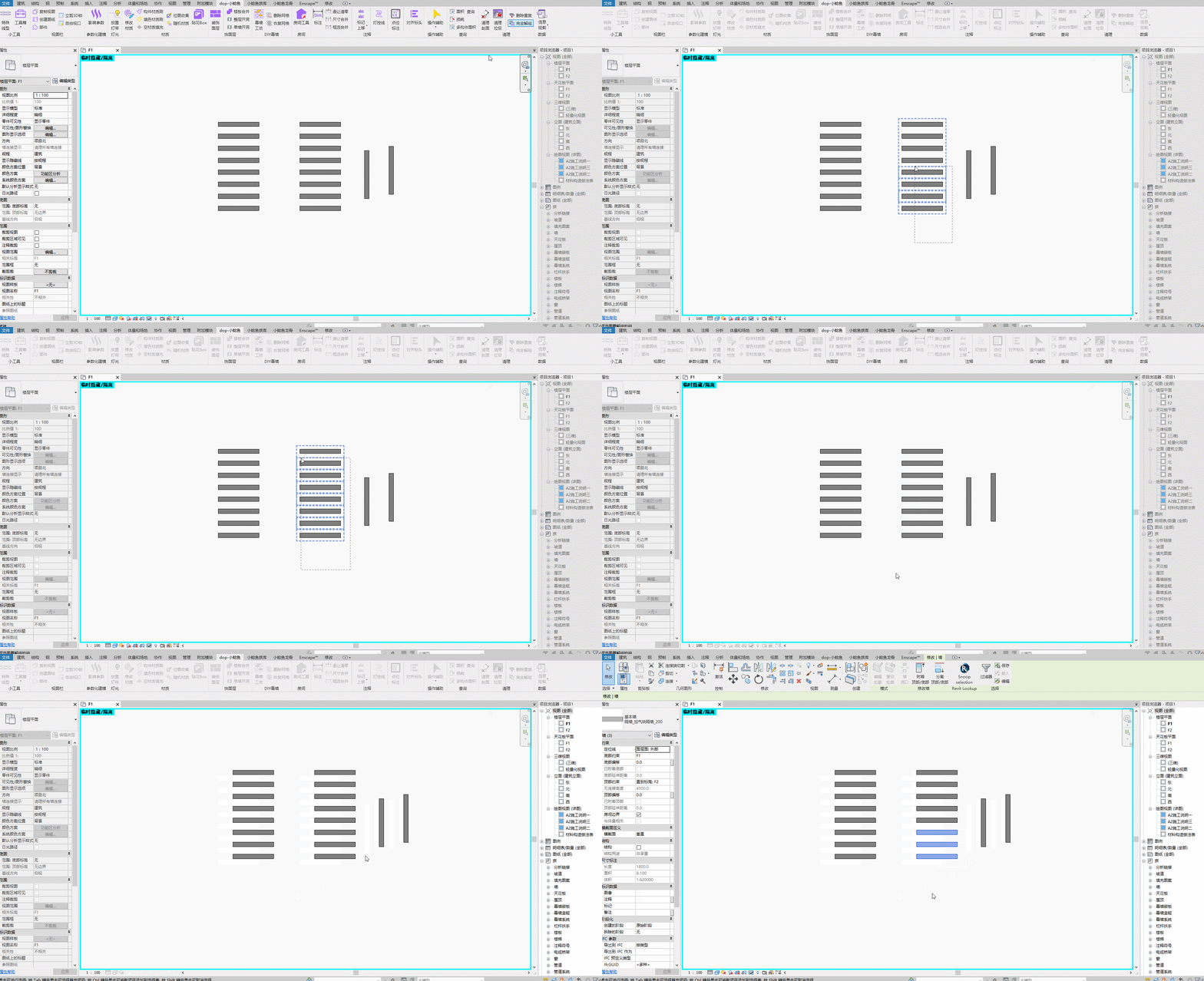
Quickly deep-level ungroup marquee-selected groups.
Steps: Marquee-select groups to ungroup. Selection is already filtered to only groups → Continuous operation supported.
Bilibili video demo → Delete Duplicates, Full Ungroup (opens new window)